Move anything
Drag the clock, calendar, links and every widget where you want them, or start from a ready-made layout.
 Kufu
Download
Kufu opens in about a tenth of a second and puts your clock, calendar, weather and links exactly where you want them. No account, no ads.
Free. Windows, macOS and Linux. Works in Chrome and other Chromium browsers.
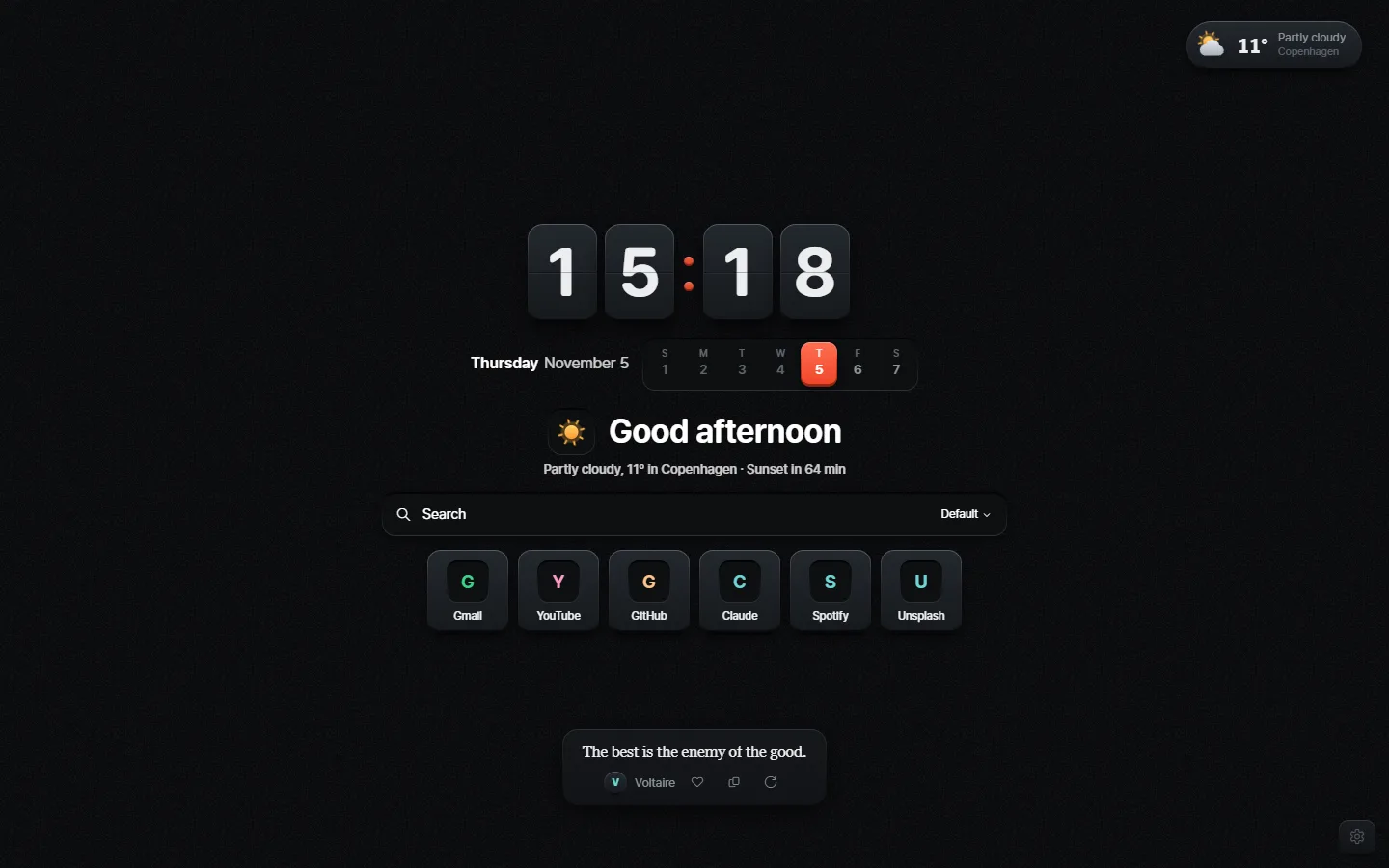
Keys: every digit and link is a physical key that squashes and springs back.
Kufu is Japanese for ingenuity: finding a better way. Keep what you use on a new tab, make it instant, and move the rest wherever you like.
Drag the clock, calendar, links and every widget where you want them, or start from a ready-made layout.
Raised keys, flat paper, soft clay, or clear glass that bends your wallpaper. Light and dark for each.
Use an Unsplash collection, your own photos or videos, or plain dark. Dim it and add real film grain.
Keys, plain, glass numbers or analog, with five calendar styles and world clocks. Set the size and weight.
A small pill that opens into the full forecast, with six styles of animated icons.
Links as keys, with folders and groups. Import your bookmarks or save your open tabs in one click.
Pomodoro, tasks, notes, countdowns, progress bars and ambient sounds. All off until you want them.
Press Ctrl K to search your links, run actions, do math and convert units.
Keep separate setups for work and home, and switch by hand or by the time of day.
Kufu keeps your settings in your browser and, if you want, syncs them through your own Chrome account. It asks for extra permissions only when you turn on a feature that needs them.
A few features talk to other services when you use them: weather comes from Open-Meteo, wallpapers from Unsplash, custom fonts from Google Fonts, and search suggestions from DuckDuckGo.
Kufu isn't in the Chrome Web Store yet, so you add it by hand. It takes about a minute.
Download kufu.zip and unzip it somewhere it can stay, because Chrome keeps reading from that folder.
Open chrome://extensions and switch on Developer mode in the top right corner.
Click Load unpacked, choose the unzipped folder, and open a new tab.